Author:  Web Designing

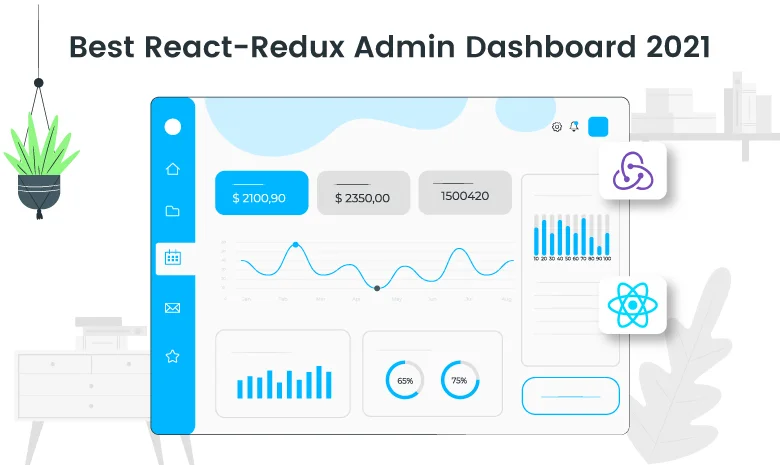
React JS is basically a JavaScript library built and maintained by Facebook. According to the creator of React JS, Jordan Walke, React is an efficient, declarative, and flexible open-source JavaScript library for building simple, fast, and scalable frontends of web applications.  In this article, we will find out the Best React-Redux admin dashboard which is highly responsive and SEO Optimized.

In a market, there is a bunch of Web designing and Web developing Software available. Looking out the history of web designing software; has evolved a lot over the last 29+ years. What started as text-based pages with hyperlinks in 1991 came the rise of HTML 5, Bootstrap, mobile-first websites, and full-fledged content experiences.

If you want to create a website today, there are many ways. Choosing a great designing tool comes down to its functionality and purpose. depending on your project requirements you need to use multiple designing and developing software to achieve the desired result.

React’s hook API is a must for creating components. It coexists alongside the class component API, which lets us create components with JavaScript classes. As well as standard Hooks that come with the React library, developers can create their own Hooks. Unsurprisingly, many custom Hooks libraries have since popped up to make creating React apps even easier. In this article, we will know about Best React hook library 2024.

Material design is a popular visual design system created by Google. It aims to enable designers and developers to create applications that have a unified look on all platforms. Apps that follow material design principles look beautiful and professional on all operating systems and devices.

Angular Material is a set of UI component frameworks and references that uses the implementation of Google’s Material Design specifications. It provides a set of reusable UI components which is easy to customize.

Much like Vue and React, Angular uses components and splits UI into reusable pieces.

To help you get started with Angular and for you to have a fruitful experience while working on your Angular apps.

Figma Design System – The user interface is one of the most important aspects of web designing. Creating an effective user interface is not an easy task; it requires the right tools and knowledge. Tools must be easy to use for web designers and developers. One of the most popular design tools is Figma.

HTML Responsive Slider is one of the most controversial for web design; some designers love it, some hate this. The same goes for web developers; some developers cannot imagine a website without them, whereas some are never used to it.

One of the reasons for the different views because sliders are great instruments for displaying lots of information within a small space, at the same time, they can be SEO-killers, user experience blunders, and destroyers of marketing strategies. Therefore, with such strong arguments for and against, using sliders in web design is always a case of personal preferences.

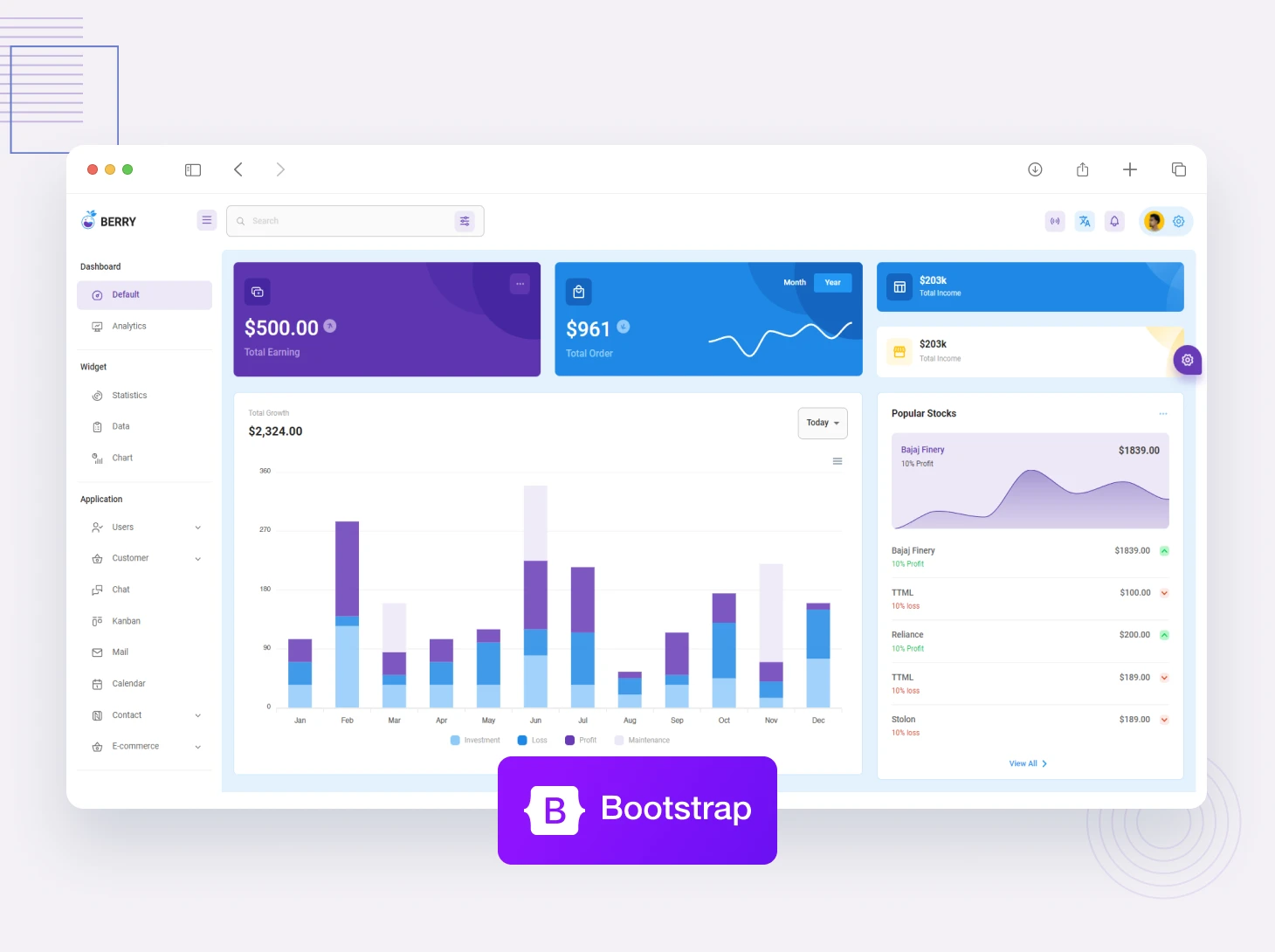
Bootstrap is an open-source framework built-in HTML, CSS, JavaScript, or JavaScript Library for developing a responsive and mobile-friendly website. Bootstrap includes CSS and JS-based design templates for typography, forms, button, and navigation. Recently bootstrap launched the latest version of this framework which is bootstrap 5, it comes with a major change such as remove jQuery support. If you are looking for the best free and premium Bootstrap 5 templates, we have listed the best Bootstrap 5 templates which is easy to use, highly responsive, and customizable.

Figma is one of the most popular tools used to create functional and high-quality user interface designs for a professional and new designer. Whether you’ve just started using Figma or using it for while you’ve probably noticed that it’s super easy to import Figma templates and UI kits to customize and help speed up your next project. Before finding out the best Figma design template let’s understand the design system concept.

Nowadays, in a market plethora of frameworks and awesome libraries have been built to simplify the work of developers to create an intuitive interface. However, quite a lot of them (Bootstrap, Foundation) impose design decisions that are difficult to undo; they come with predefined components, therefore, eliminating the need for dynamic customization. This is the reason why Tailwind CSS is considered to be a good choice for building 21st-century web interfaces. Tailwind CSS, you get to create the components that suit what you want or what you are working on. These components can be created by harnessing the power of the utility-first prowess of Tailwind CSS. In this article, we will learn how to implement Tailwind CSS in ReactJS.

Before starting the implementation process, understand the basics of ReactJS and Tailwind CSS.

When it comes to meeting the needs of modern-day users who expect sleek, interactive, and high-performing web applications, ReactJS is an ideal JavaScript framework owing to its robust JavaScript libraries that can be put to use for quickly developing intuitive UI for web apps. Let’s take a quick look at ReactJS basics and their popularity.

Popular Products
Categories
Popular Posts
The Ultimate Managed Hosting Platform