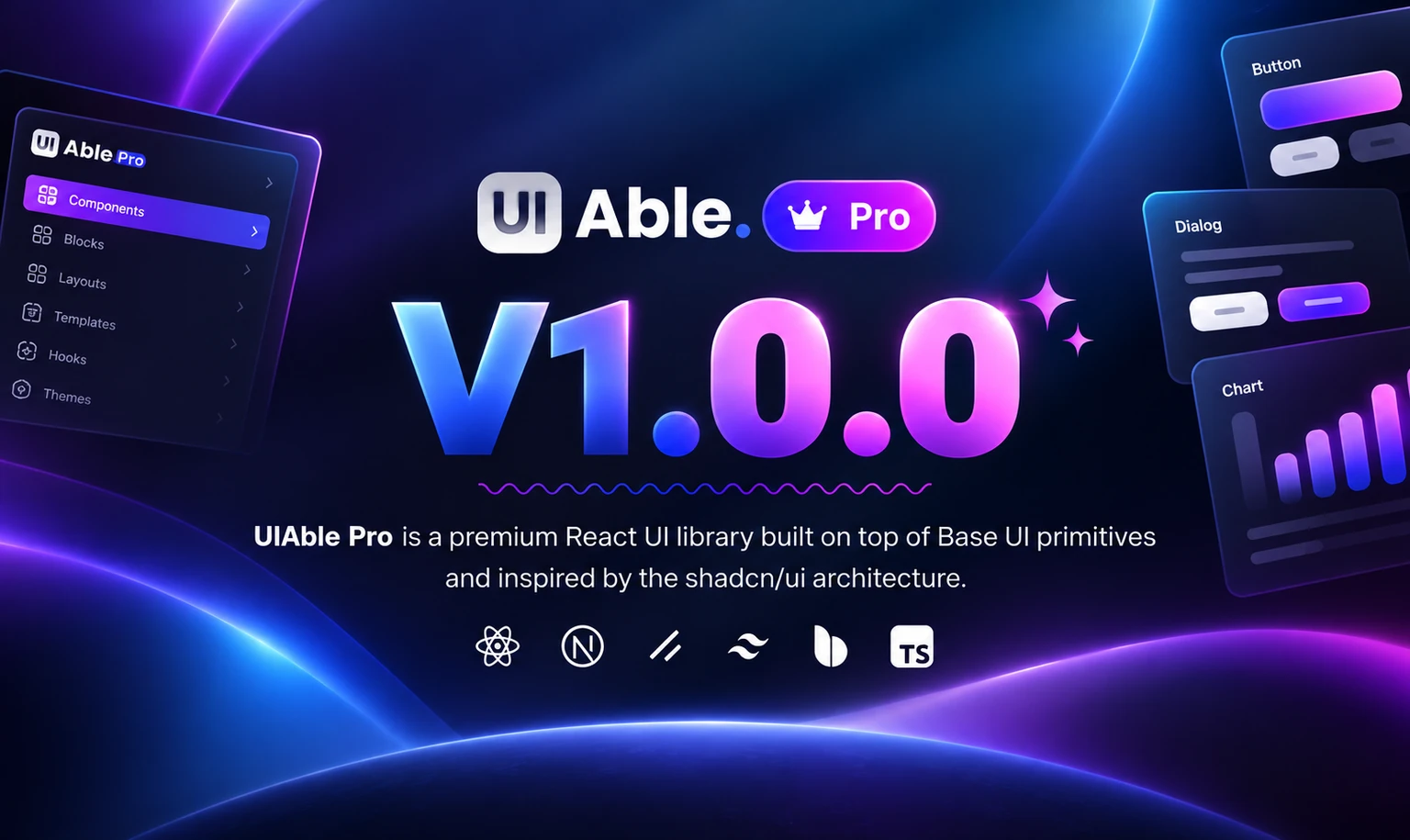
With UIAble v1.5.0, we’ve added more production-ready blocks and component variants that you can copy, customize, and ship immediately.
And yes…
Everything is still completely free and open source.
With UIAble v1.5.0, we’ve added more production-ready blocks and component variants that you can copy, customize, and ship immediately.
And yes…
Everything is still completely free and open source.
We’re excited to introduce SaasAble v2.1.0, our biggest update yet. This release brings powerful AI features, a new preview simulator, and a refreshed design experience.
Now you can create landing pages using simple chat prompts, instantly preview your ideas, and build faster with a smoother workflow.
We’re excited to release UIAble v1.4.0, bringing another set of open-source components and UI blocks designed to solve common interface patterns without adding unnecessary complexity.
We’re excited to announce a major update to Berry Material React v5.2.0!
This update brings 3 new application modules, migration to MUI v9, improved dark mode, and better component consistency across the entire template. Whether you’re building SaaS products, CRM systems, or admin dashboards, v5.2.0 gives you a cleaner, more powerful foundation to build on.
We have released Able Pro Material UI React Dashboard Template v11.1.0 and Able Pro React Next.js v5.1.0. It mainly focused on client tickets, code refactor, easy to manage authentication flow, entry animations to ApexCharts, performance, and package upgrade. We added a new TanStack table column pining to fix customer concern about comparing columns. We’ve also added missing chart widgets.
We have released SaasAble UI Kit and Dashboard Template V2.0.0. It mainly focused on cleanup, performance, and future readiness. We added CSS Variables for better theming, cleaned up deprecated MUI component props, & code optimization. We’ve also introduced new Authentication system and Dashboard animations and auto system mode with Yarn as the package manager.
When it comes to building dynamic and responsive web applications, Next.js has become a popular framework of choice for developers. It’s a React-based framework that makes server-side rendering and generating static websites a breeze. Whether you are building a complex business dashboard or a sleek admin panel, using Next.js dashboard templates can save you a lot of time while ensuring you have a professional and polished design.
Many developers have a variety of opinions on this question. The framework is still building features that let developers build seamless frontends along with server-side logic in 2025. Honestly, the framework continues to bridge front-end and back-end development, and while front-end and back-end work rely on each other to build modern applications, their functions are very different.
By sifting through massive web scraped data, businesses have uncovered hidden stories, patterns, and insights that would otherwise go unnoticed. Even so, a question persists: Which is the optimal web scraping approach?
With the development of the web, web developers have always sought tools to make tasks more complex than they would normally be, improve performance, and ensure an intuitive user experience. Recently, Next.js has grown to become the first turn for developers looking to build high-performance, production-ready web applications. This cheatsheet is a direct result of such exploration of the powerful capabilities within Next.js. Developers will have access to all that is needed to build, optimize, and deploy web applications correctly.
Stay updated on upcoming Premium & Free themes, exclusive promo codes, and special sales!