
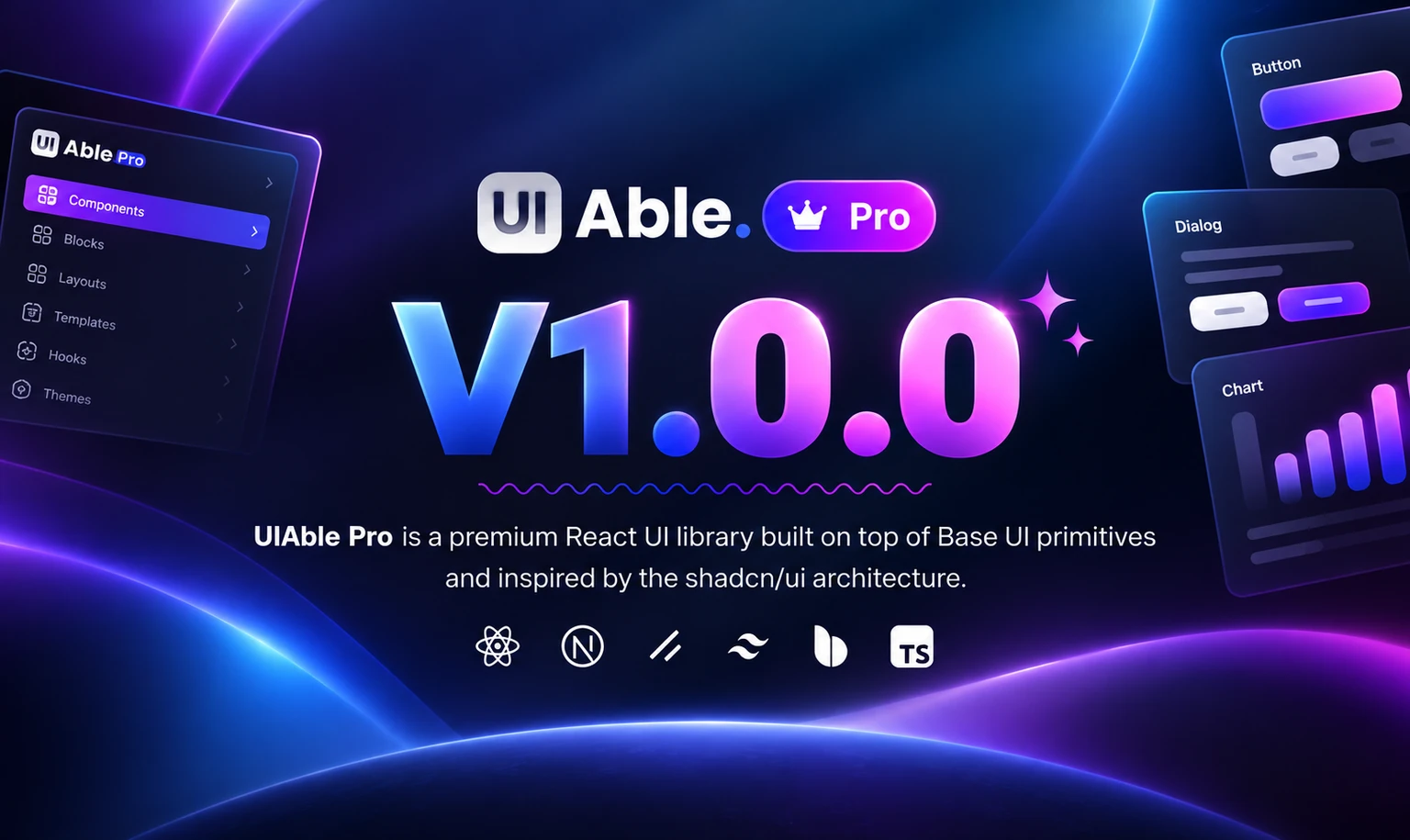

Let’s be honest: you love shadcn/ui. The components are clean, you own the code, and nothing fights you. Then a client asks, “Can we add a pricing page?” and you’re building the same three column layout you’ve built five times before.
That’s the itch UIAble 1.0.0 scratches. It’s our first Pro release, so let me walk you through what’s in it and why it should save you real time.
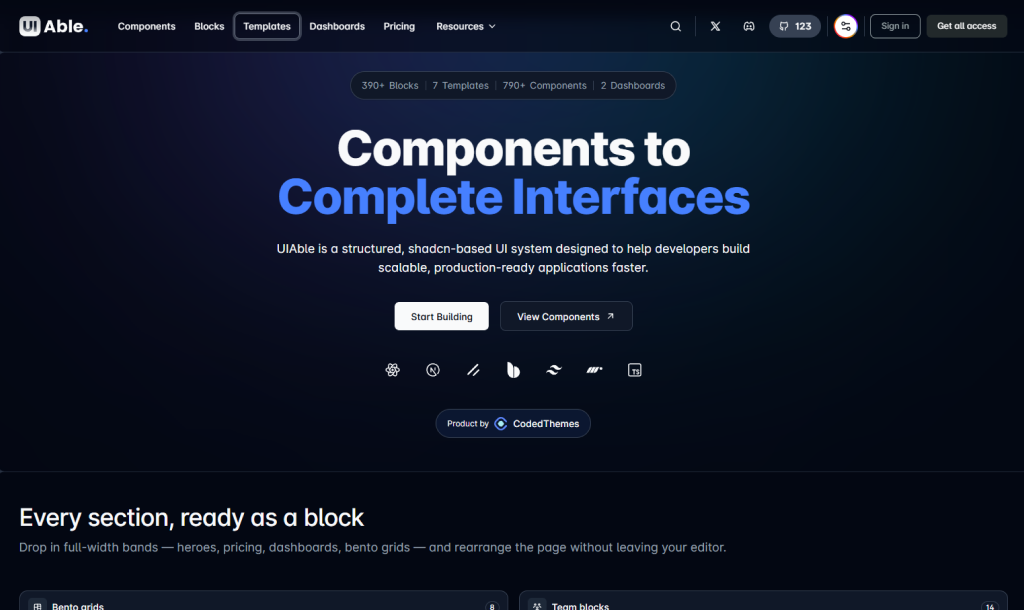
Blocks: the sections you keep rebuilding
We’ve shipped pro shadcn blocks for Hero, Bento, E-commerce, CTA, Footer, Pricing, Process, Testimonial, Charts, and more. Think about your last landing page. It probably had most of these.
Now you can grab a block, drop it into your project, and tweak it to match your brand. Your afternoon goes to the parts that are unique to your product, not to nudging padding on yet another footer.
Templates: when you need the whole page
Sometimes a single block isn’t enough and you need a starting point for the entire project. 1.0.0 brings Pro templates for LMS, finance, AI, portfolio, SaaS, and SEO.
Pick the one closest to what you’re building and you start with structure instead of an empty folder. You’re editing from minute one, not planning from scratch.
Admin dashboards: skip the boring scaffolding
Dashboards look simple until you build one. So we’ve included admin dashboards for LMS, default, and finance use cases. Start from a working layout, then plug in your own data and logic.
Pro components and easier browsing
A first batch of Pro components has landed too, sitting right next to the shadcn components you already use. We also redesigned the component pages where everything is listed, so finding what you need takes less digging. And yes, the main UIAble landing page got a revamp.
Figma design system + MCP
This one’s for the design-to-code crowd. UIAble now has a Figma design system, and you can connect your agent with Figma MCP.
If you’ve been looking for a shadcn design system that designers and developers can both work from, this is a solid place to start. It gives both sides the same reference, which should mean fewer “that’s not what the mockup looked like” conversations.
So what’s the point?
Boiled down, 1.0.0 is about cutting the repetitive work:
- Blocks cover the sections you keep rebuilding.
- Templates and dashboards give you a real starting point.
- Figma and MCP keep design and code closer together.
None of this replaces shadcn/ui. It builds on the way you already work, so your time goes into what makes your product different.
Give UIAble 1.0.0 a try
This is our first Pro release, and it’s a good time to explore. Browse the new shadcn blocks, open a template that matches your next project, or connect your agent with Figma MCP and see how it fits your workflow.








Comments