In the era of digitalization, all the business running on online. Most trending online business is e-commerce related business such as fashion store, electronic store, jewellery store, accessories store, etc. All the store common thing is to showcase a product, order management, inventory and report management, security, and other things.let’s start with the Introduction of Woo-commerce and explore it’s feature.

Summarize with AI
Share this:
Share

Who likes to waiting? No one right. For this WordPress has a speed optimization plug-ins. if you want to speed up your website. Your ride starts with good hosting provider selection. So, first of all, start the perfect host for your website. There are No. of. The plugin is available to improve the front end optimization of your site. When we talk about WordPress Speed optimization plug-ins, it is instantly striking to caching plug-in because it’s visa-versa. When we implement caching plug-in is speed up your site. We have included another plug-in to help you optimize certain parts of your site such as script load, image compression, lazy loading, etc.

Summarize with AI
Share this:
Share

Are you looking for an analytic solution for your website? Analytic tools analyze your website such as who visits your website, what they are searching for, how much time they will spend it, when they are visited, etc.

Analyzing website traffic is one of the most important roles of the website owner. There are thousands of Analytic solution available for monitoring the website activity. Among all of them, google analytics is the best tool for monitoring website traffic and improve website performance.

Summarize with AI
Share this:
Share

The success of a website depends on many things such as design. Design is most essential when you want to create a website. Without great design and stunning graphics, it does not boost your traffic. A great design including stunning images, awesome typography, and infographics. This design factor creates the best stunning UI kit for mockup and wireframe.

Summarize with AI
Share this:
Share

URL is one of the terms that describe an address of the website page this is a general concept. in this article, we discuss the URL concept in depth and find out some interesting facts. So, let’s dig in.

Summarize with AI

Share this:
Share

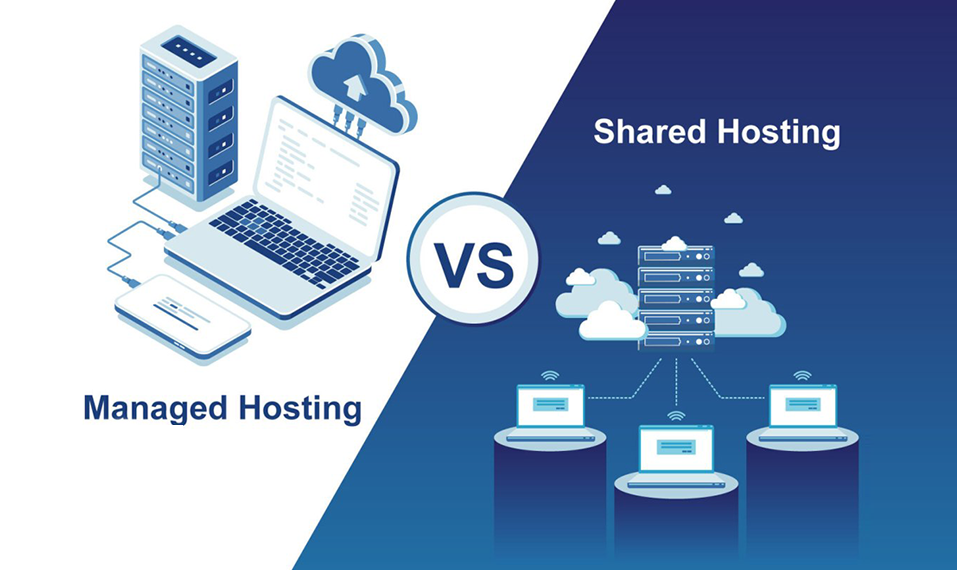
When we complete the website, one of the most daunting parts is choosing the right hosting solution. There are thousands of hosting providers available in the market, each has a different package. Over the last few years, new solution has made available in the hosting section called managed hosting. (In this solution, manage to host is a type of internet hosting where client lease entire server not shared with anyone else: This hosting is most popular nowadays).

In this article, we will discuss what is the best hosting solution for your website, how to choose the best solution for your site According to your requirement.

Summarize with AI

Share this:
Share

If you are a photographer and promote your business online via showcasing your work, in this era of digitalization the internet presence is most important to grow a business. If you are not promoting the online business you may promote the potential client. It’s especially true when you are working with an artistic field. Online presence of the business required website. For creating a professional website you don’t have to start from scratch. In market various free and premium website template that is specially designed for a photography website. The  Photography theme combination of stunning color theme and typography. Here, we have some stunning template design, perfect for your website.

Summarize with AI

Share this:
Share

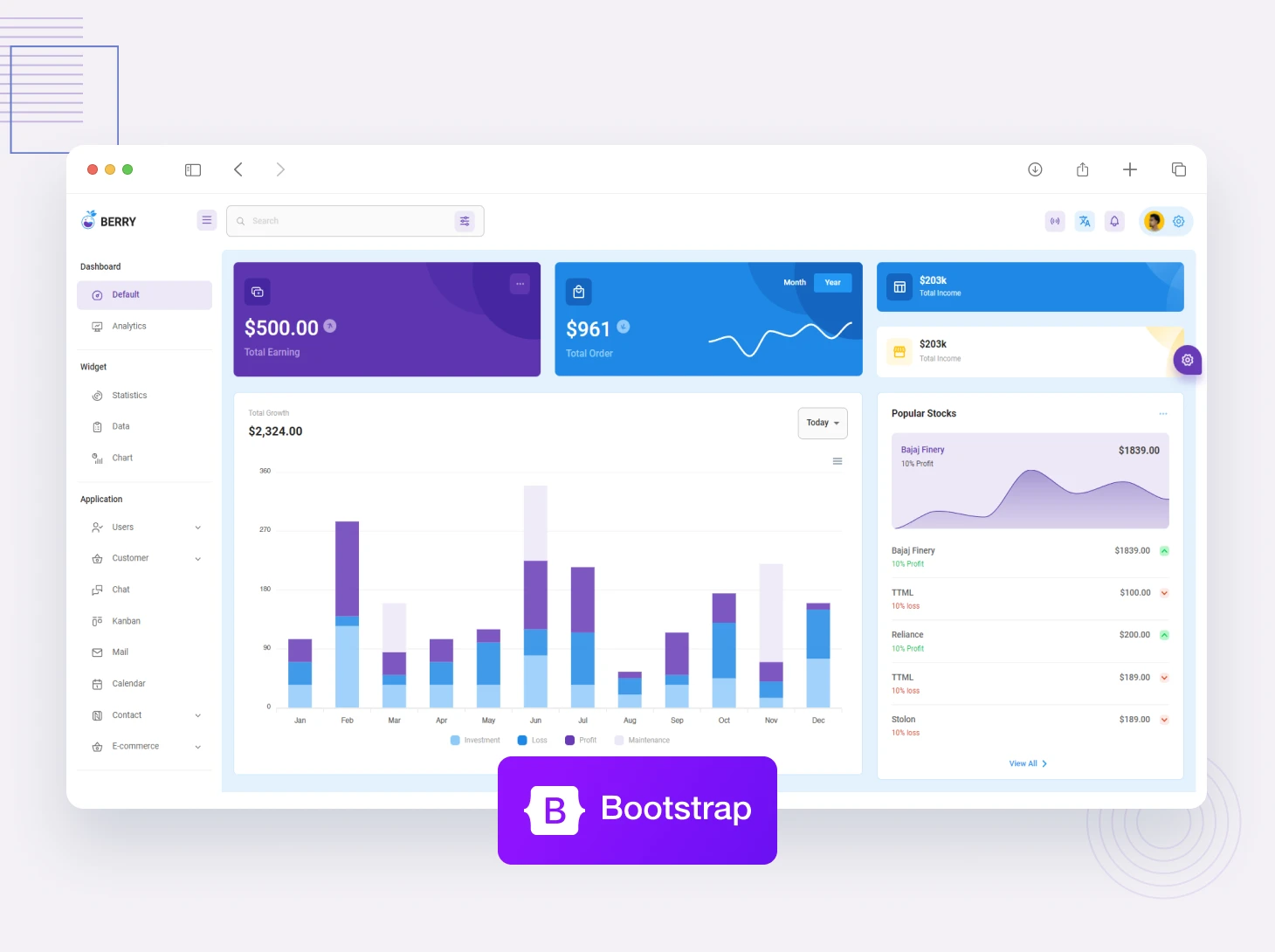
Bootstrap 5, the latest version of the most popular framework for creating mobile-first, adaptable websites, continues to provide developers with first-rate tools for building sites. Several significant improvements and enhancements have been made to this version to make it even more helpful and easy to use.

Features of Bootstrap 5

1. An Update on JQuery

The elimination of the jQuery dependencies is probably the most notable change in Bootstrap 5. Instead, Bootstrap 5 uses simple JavaScript, which lightens the load on projects and boosts the framework’s speed. Developers who would instead not use jQuery will find this a relief, and it will also make their code compatible with a wide range of recently released JavaScript libraries and tools.

2. Improvements to Customization

A number of modifications to CSS custom properties are part of Bootstrap 5, which increases the framework’s adaptability. Colors and typefaces are only two examples of the many aspects that developers may now use CSS variables. Optimizing your stylesheets has never been easier than with this new method, which boosts personalization and style reusability across various components.

3. Utilities API Update

Developers can now design their own utilities with the new utility API in Bootstrap 5. Now, you may add more CSS rule sets without ever leaving the HTML. It makes your stylesheets more manageable and organized while giving you more flexibility.

4. Upgraded Grid Infrastructure

Adding more responsive classes and a new grid tier, the new version enhances the previous grid system. With this update, the .xxl class is available for use with displays more comprehensive than 1400 pixels.

5. Updates to Forms 

One of the new features in Bootstrap 5 is an improved form system. Improved and visually pleasing new custom form controls, checks, and radios are a part of it.

6. Integrated SVG Icon Library

Bootstrap used to use icon libraries that were developed by other parties. The latest edition, 5, has its very own SVG icon collection with more than a thousand free icons to choose from. The rest of the framework can be more seamlessly integrated with them because they are user-friendly and completely adaptable.

7. Improved Instruction

Better and easier-to-understand documentation is a part of Bootstrap 5. assist developers in understanding and making better use of the framework; it provides an array of examples, application choices, and standard procedures.


Methods for Acquiring Bootstrap 5

How to upgrade to Bootstrap 5 is specific to the project and dependent on the version of Bootstrap being used. Yet, the following are some general recommendations to follow:

  • Step 1: Create a Project Backup
  • Step 2: Switch out the Bootstrap package
  • Step 3: Eliminate jQuery
  • Step 4: Revise the Program
  • Step 5: You need to test your website.

Make sure to test your website extensively after making all of the modifications. Verify each page to make sure everything is functioning correctly. 

Wrapping It Up

Although upgrading to Bootstrap 5 might be a pain, the advantages it offers like more effortless flexibility, a grid structure that works better, and no jQuery, make it an undertaking worth doing. For detailed information on how to migrate to Bootstrap 5, be sure to consult the official documentation.

Summarize with AI
Share this:
Share
Popular Products
Categories
Popular Posts
The Ultimate Managed Hosting Platformimp Bootstrap 5
Share this:
Share