Author:  UI/UX

What is UI Kit?

UI kit is a collection of graphics files and resources that can help designers to build interfaces faster and more consistently. A UI component includes buttons, a checkbox, and a progress bar, form elements and progress indicators.

It includes all the components of UI that takes a lot of time and effort to design.

In many projects, a UI kit becomes the base of a UI design system, where components, styles, and design rules work together. It makes it easier to scale designs, collaborate with developers, and maintain visual consistency as the product grows.

The field of UI design is developing faster today than it ever has before. More tools, cleverer users, and different devices change the nature of how digital products look and feel. As we transition into 2026, a focus on clarity, accessibility, and the person using those experiences instead of the reverse is coming into view.

In the world of design, creating visually appealing and effective work goes beyond mere aesthetics. It requires a deep understanding of fundamental principles that guide every decision a designer makes. These principles, often referred to as the 7 principles of design, are the foundation upon which successful designs are built. Whether you are designing a website, a logo, a poster, or any other visual content, these principles ensure that your work is not only beautiful but also functional and impactful.

If you’re building apps or websites in 2025, it’s almost impossible to ignore AI in app development or AI in web design process. The competition is brutal, and people don’t want just “good looking” sites anymore, they expect interfaces that anticipate their needs, load instantly, and feel personal.

What’s interesting is how quickly AI has gone from being a gimmick to something developers and designers rely on daily. Tools like Google Stitch, which turns plain text into functional UI, or “vibe coding”, where you literally “talk” your prototype into existence, show how far things have moved.

Have you ever clicked through a website and thought, “Wow, this just feels right” and then, the next minute, landed on another site that had you pulling your hair out? That difference isn’t magic. Most of the time, it comes down to whether the designers followed (or ignored) some very real principles of human psychology, often called laws of UX design.

Material Design was developed by Google in 2014 as a design language. Its core idea is to create a visual language that synthesizes classic principles of good design with the innovation and possibility of technology and science. Material Design focuses on a more tangible user interface, where elements are treated like physical objects with surfaces, edges, and shadows, ensuring a clean and consistent experience across different platforms and devices.

The role icons play in influencing how users go about an activity in the digital interface’s format is noteworthy. They are visual hints to simplify complex activities with a helping touch to the overall usability. A well-chosen icon could enhance navigation, emphasize its primary roles, and add a finesse touch to the design. With the plethora of free icons available today, designers are spoiled for choice, but ironically, that may make the choice more difficult.

A design system is a set of guidelines, reusable components, and shared assets that help teams build digital products in a consistent and efficient way. It brings together design rules, visual elements, and code standards to simplify the creation of user interfaces. In this article, we explain what a design system is, how design systems work and why you might need one, discuss the pros and cons, and show real-world examples to illustrate its value.

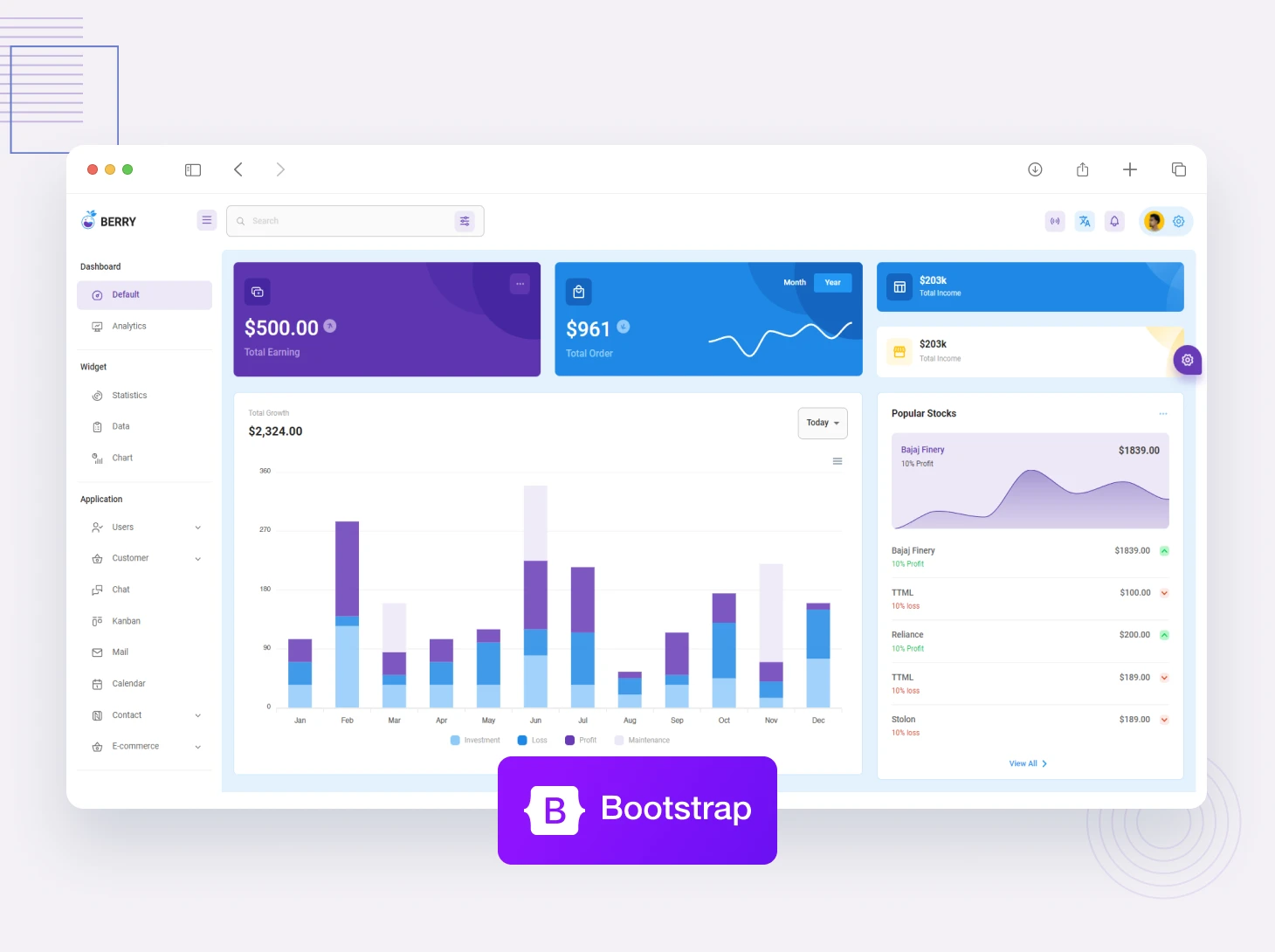
Bootstrap is an open-source framework built-in HTML, CSS, JavaScript, or JavaScript Library for developing a responsive and mobile-friendly website. Bootstrap includes CSS and JS-based design templates for typography, forms, button, and navigation. Recently bootstrap launched the latest version of this framework which is bootstrap 5, it comes with a major change such as remove jQuery support. If you are looking for the best free and premium Bootstrap 5 templates, we have listed the best Bootstrap 5 templates which is easy to use, highly responsive, and customizable.

Colors are very important in web design. It is needless to say a well-chosen color palette can really boost the webpage appeal and the overall usability of the site. In fact, many designers of different websites consider it rather difficult to get hold of the right color palette. Luckily, there are good tools that can create nice and appropriate color combinations. 

Popular Products
Categories
Popular Posts
The Ultimate Managed Hosting Platform