

Animated UI component libraries are pre-built React component collections where scroll effects, hover animations, mount transitions, and micro-interactions come baked in by default. No more writing Framer Motion configs from scratch on every single project. In 2026, the good ones are shadcn-compatible, Tailwind-based, and ship source code directly into your project so you actually own what you use. This guide breaks down the top ten, puts them in a comparison table, covers how they work under the hood, and gives you a straight answer on which one fits landing pages, dashboards, and lightweight builds.
What are Animated UI component libraries?
Pre-built React component collections where the animation layer is already handled. Mount effects, scroll triggers, hover states, loading transitions, all baked in so you focus on building, not animating.
Key traits of modern animated libraries:
- CLI or copy-paste install: source code lands in your project, no locked-in npm package
- Built on Framer Motion, Motion One, or plain CSS. Pick your performance tradeoff
- Tailwind CSS for styling: no runtime injection, fully overridable
- TypeScript support out of the box
- Most follow the shadcn/ui philosophy: own your components, customize freely
Top animated UI component libraries for React
| Library | Animation Engine | Best For | Lightweight? | Shadcn-based | Quick Note |
|---|---|---|---|---|---|
| Magic UI | Framer Motion | Landing pages | No | Yes | 150+ components, free + $149 Pro |
| Animate UI | Motion | All-purpose apps | Yes | Yes (CLI) | Motion in every component, full ownership |
| Kibo UI | Radix / Tailwind | Dashboards | Yes | Yes | Composable blocks beyond shadcn primitives |
| Kokonut UI | Framer Motion | SaaS / marketing | No | Yes | Pre-built sections: hero, pricing, auth, dashboard |
| SmoothUI | CSS / Motion | Marketing sections | Yes | Yes | Small scope, clean execution, minimal bundle |
| TweakCN | Tailwind CSS | Theme customization | Yes | Yes | Visual theme editor for shadcn/ui projects |
| Origin UI | Tailwind / Radix | Forms & inputs | Yes | Yes | Accessible, production-grade form components |
| Hero UI | Framer Motion | Full-stack apps | No | No (standalone) | 27K+ stars, prev NextUI, complete ecosystem |
| React Bits | CSS + Motion | Text & micro-animations | Yes | CLI install | 37K+ stars, CSS-only options, JS Rising Stars #2 |
Magic UI
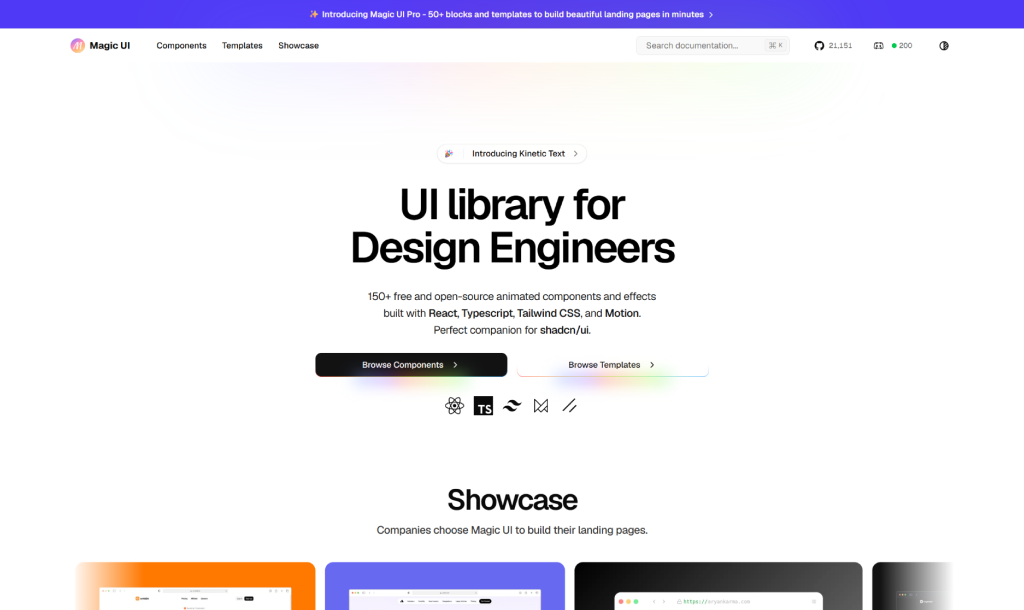
The strongest pick for landing page animation. Over 150 free components: scroll-animated heroes, gradient text, marquees, glowing cards, particle backgrounds. Copy-paste model means you own the code from day one.
Worth knowing: Magic UI is a marketing layer, not a full system. No form primitives, no data tables. Use it for visual impact, then handle the app UI separately
Animate UI
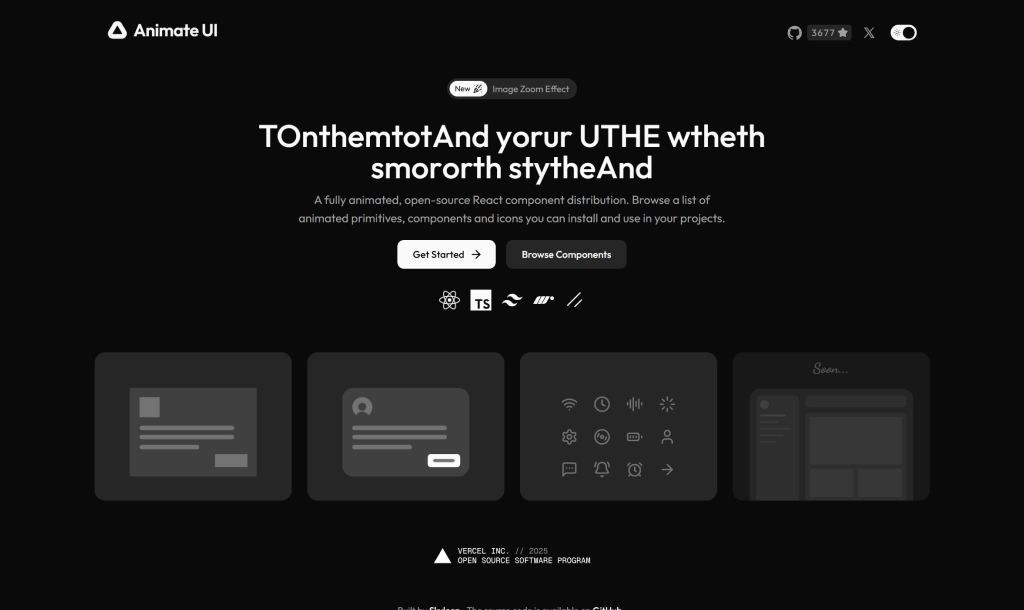
Shadcn/ui with motion baked into every component. Buttons, tabs, accordions, dialogs, all animate cleanly by default. Follows the Shadcn CLI workflow. Best pick for consistent animation across the whole interface without pulling from multiple sources.
Kibo UI
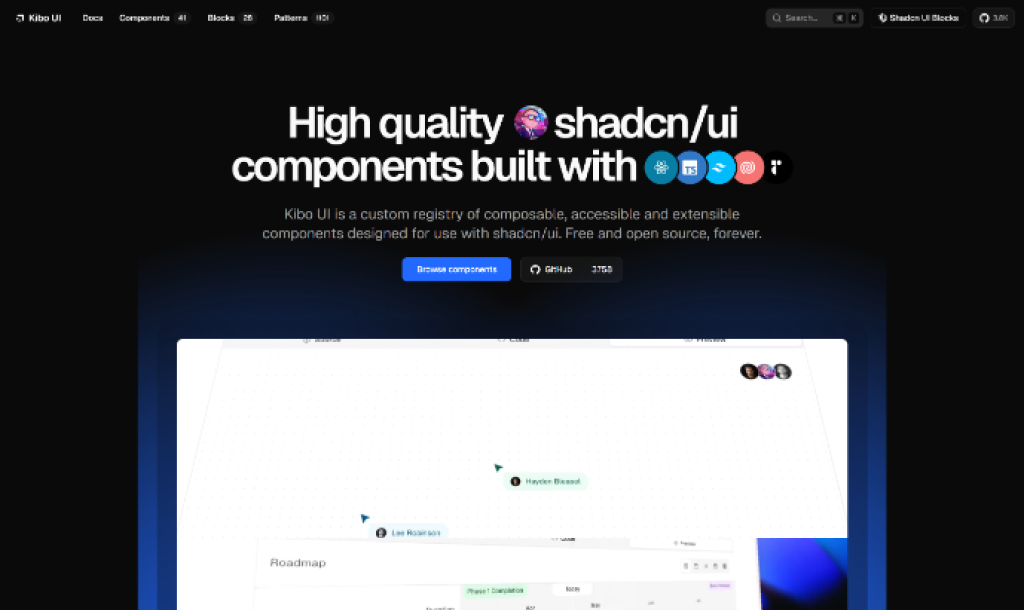
Less about flashy animation, more about composable production-grade components shadcn/ui does not cover. File uploaders, dropzones, advanced form patterns, data-heavy blocks. Built for dashboards and internal tooling.
Note: The project has seen some ownership changes recently. Check their GitHub for current maintenance status before committing.
Kokonut UI
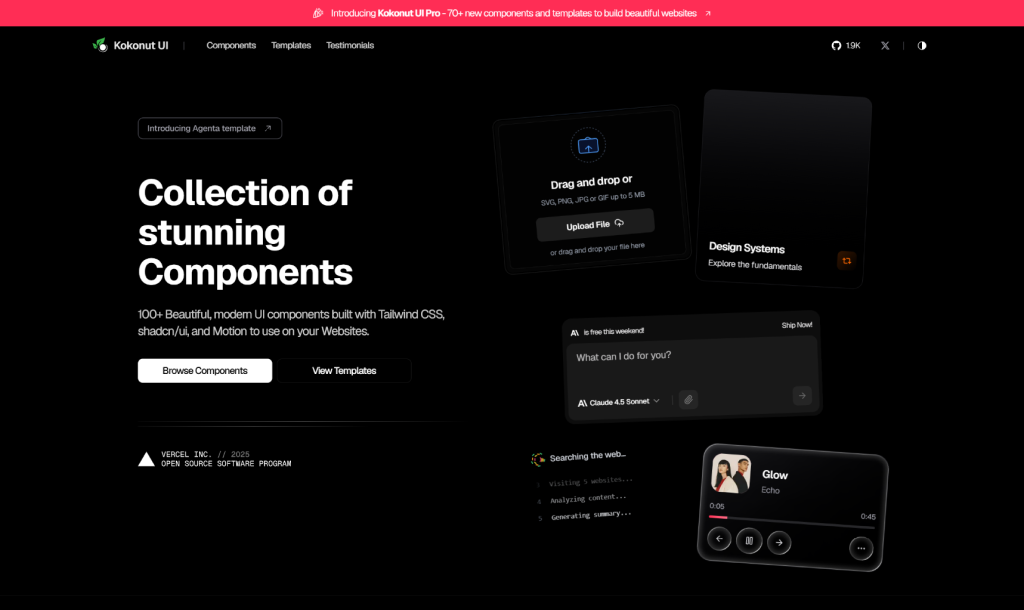
One of the first libraries to support shadcn CLI installation. Ships 100+ animated components: hero sections, pricing tables, auth pages, dashboard blocks. Strong pick when you need pre-built page sections rather than individual animated elements. Pro tier at $99 one-time for advanced templates.
SmoothUI
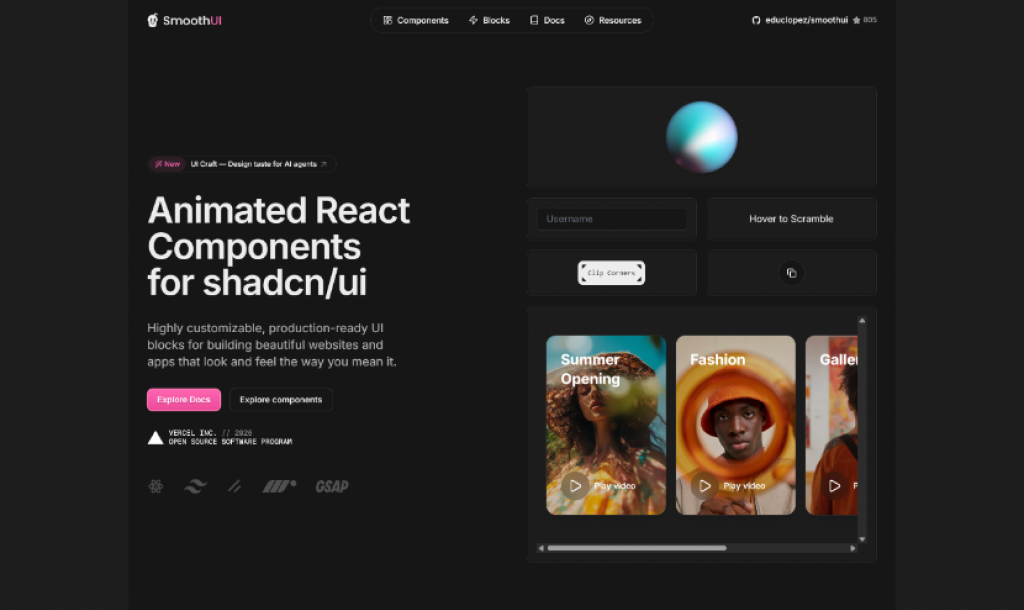
Smaller library, but clean execution throughout. CSS and Motion-based animations keep bundle light. Good for tasteful motion on marketing sections without the full Framer Motion cost. Its limited scope is a feature. It does not try to be everything.
TweakCN
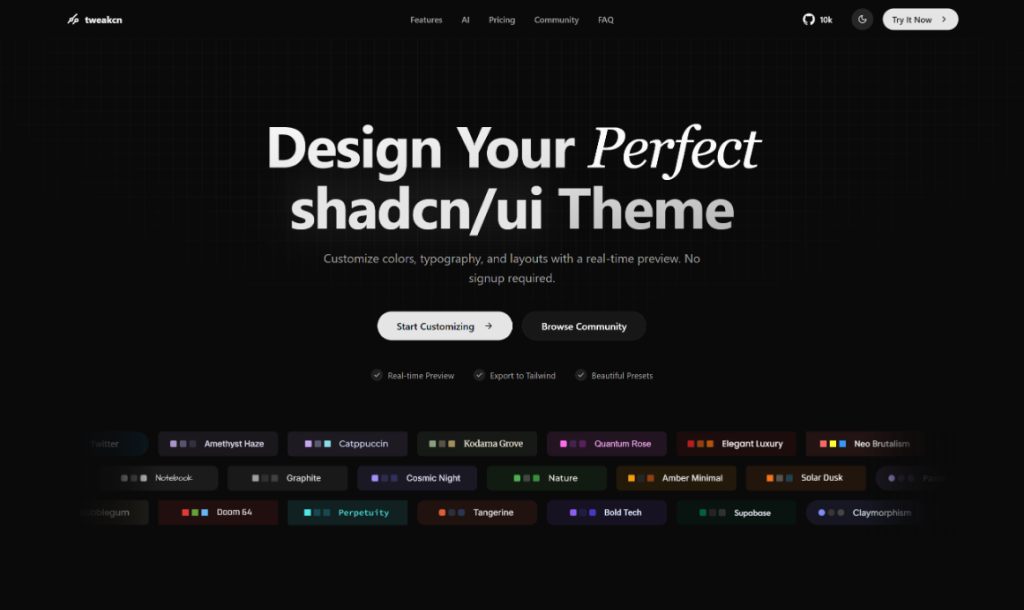
Not a component library. It is a visual theme editor for shadcn/ui. Modify Tailwind CSS variables through a UI: colors, radii, typography, spacing. Think of it as the branding setup step before you layer in any animation library.
Origin UI
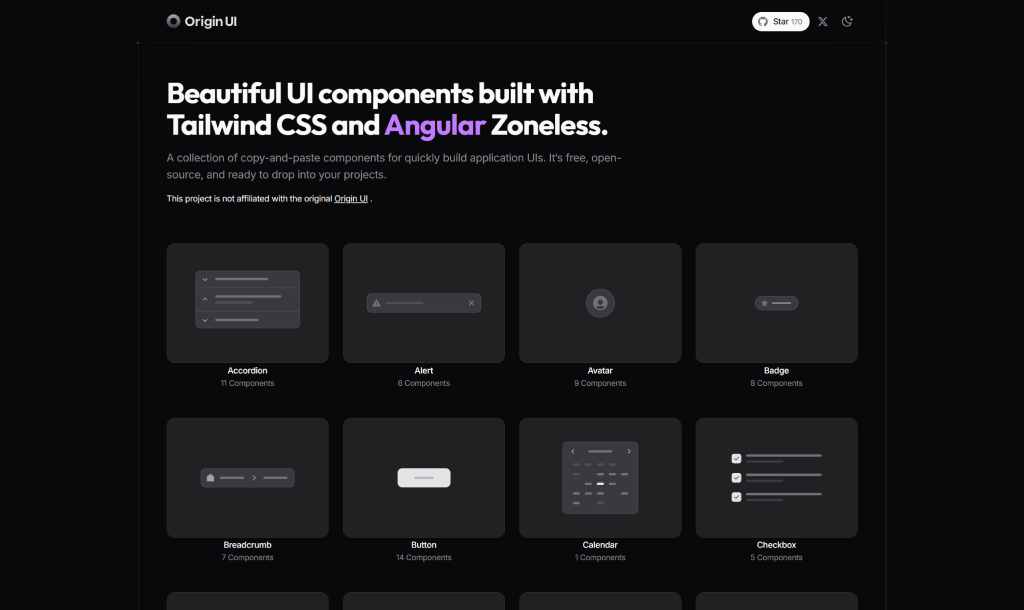
Purpose-built for forms and inputs. Radix UI primitives, solid accessibility, and animations that are functional rather than decorative. If your project is form-heavy (auth flows, settings pages), Origin UI handles this better than anything else here.
Hero UI
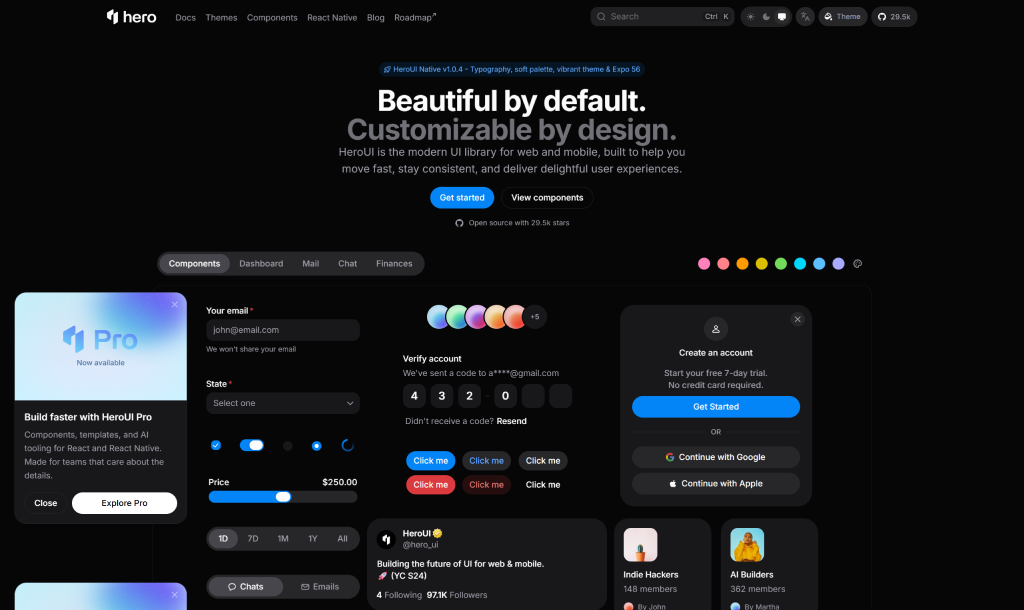
Previously NextUI, rebranded January 2025. As per its official GitHub repository (github.com/heroui-inc/heroui), it has 27,700+ stars with 75+ components in v3. Built on Tailwind CSS v4, React Aria for accessibility, and Framer Motion throughout. Its own ecosystem: more design consistency, more lock-in. Worth it for full-scale applications; overkill for a marketing site.
React Bits
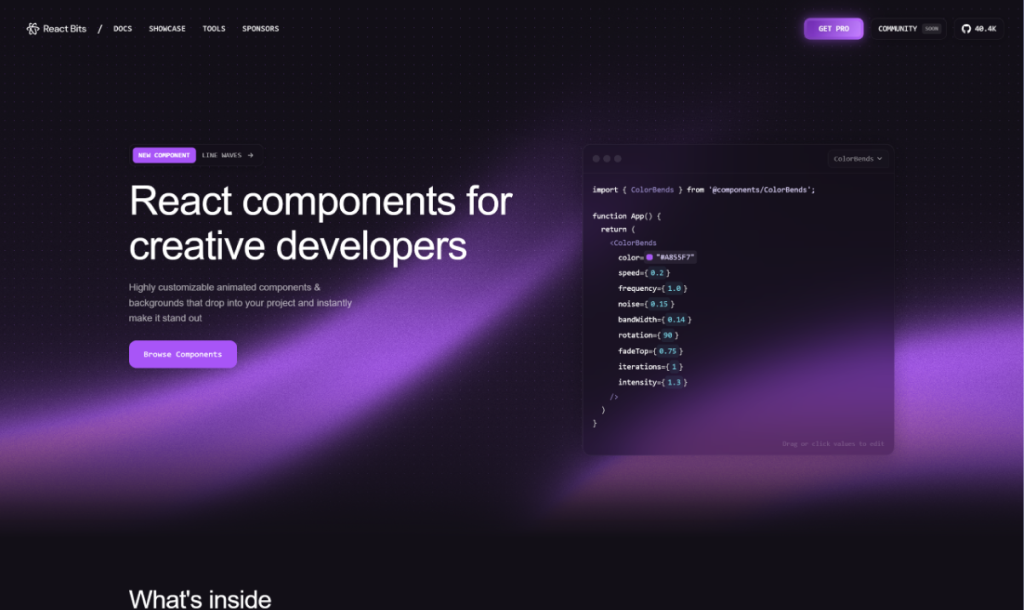
The standout of 2025. As per JavaScript Rising Stars 2025 (risingstars.js.org), React Bits ranked #2 with 37,000+ GitHub stars. Default starting point for text animations and micro-interactions in React. BlurText, SplitText, scroll-triggered fades, background effects, all CLI-installable. Many components are CSS-only with zero Framer Motion dependency.
Hidden truth about animated UI libraries
Most comparison posts focus on animation quality. Here is what they miss:
1. Animation quality is not the differentiator – A well-tuned CSS ease-in-out is visually indistinguishable from Framer Motion spring physics at normal playback speeds. What actually separates good choices from bad ones is code ownership, not how the animation looks.
2. npm package model = less control than you think – You are on their upgrade schedule. You work around their API decisions. You wait for maintainers to fix things broken for your specific case. Libraries that drop source files into your project let you adjust the duration, remove what you do not need, and ship without dependency anxiety.
3. Framer Motion costs ~43kb gzipped – On a Lighthouse-sensitive page, that is not catastrophic, but it is worth benchmarking before committing. React Bits and SmoothUI produce comparable visual output using CSS animations at a fraction of that cost.
4. Demo content lies – Animated components look great with six words of placeholder text. Paste three paragraphs of real copy in, and many of them break. Test with actual production content at actual viewport sizes before you ship.
How animated component libraries actually work
Every modern animated UI library runs on three layers:
Layer 1: Animation Engine: Handles interpolation, easing, and timing. Framer Motion = JavaScript control, spring physics, gesture support. CSS animations = browser compositor, faster but less flexible. Motion One = Web Animations API, the middle ground.
Layer 2: Component Logic: Wraps React elements with animation state. On mount, transitions from initial (opacity 0, transform offset) to visible. Hover and interaction states trigger predefined animation variants via event listeners.
Layer 3: Styling: Tailwind in every modern library. No runtime CSS injection, full IntelliSense, and easy overrides via utility classes.
When you install via CLI, all three layers arrive as a single TypeScript file in your source directory. The animation config, variants, and class names are all yours to modify from day one.
Best animated UI library for React landing pages
Top pick: Magic UI is built specifically for this use case. Covers scroll-animated heroes, gradient text, glowing CTAs, sparkle effects, animated feature grids, covering the full visual vocabulary of a modern SaaS marketing page.
Also consider: React Bits for text animations at zero cost. Kokonut UI if you need full pre-built sections (hero + pricing + testimonials) rather than individual components.
Best animated UI library for admin dashboards
Top picks: Kibo UI + Hero UI – Kibo UI for complex interactive components: file uploaders, advanced inputs, composable blocks. Hero UI for the full system underneath: tables, forms, modals, navigation, consistent theming.
Important: Keep animations restrained in dashboards. Users interact with the same components for hours daily. Over-animation on repeated interactions creates friction, not polish.
Best animated UI library for a lightweight option
Top pick: React Bits – Many of its 110+ components are CSS-only with zero Framer Motion dependency. Install exactly what you need via CLI, nothing extra. JavaScript overhead for typical usage is well under 10kb.
Backup option: SmoothUI, specifically for animated marketing sections where bundle size is a hard constraint.
Benefits of using animated UI libraries
- Faster development: animated components in minutes instead of days
- Visual consistency: shared timing and easing across the whole interface
- Built-in accessibility: quality libraries respect prefers-reduced-motion automatically
- Code ownership: CLI install means no surprise breaking changes from upstream
- Higher quality floor: polished UI without needing a dedicated motion designer
- Easy customization: Tailwind-based means overriding any style takes seconds
Pro tips
- Start free – React Bits and Animate UI cover most needs at zero cost. Evaluate before paying for anything.
- Measure bundle first – Run next build and check JS output size before committing to a Framer Motion library. On performance-sensitive routes the difference is real.
- Test with real content – Always paste actual production copy into animated components before shipping. Demos lie.
- Combine with purpose – React Bits for text effects + Kokonut UI for page sections + Hero UI for app components. They coexist cleanly when you own the source.
- Limit patterns to 2-3 – Consistent animation feels polished. More variety creates visual noise.
Conclusion
In 2026, building every animation from scratch is rarely necessary. Today’s animated UI component libraries are mature, reliable, and built to save time while improving the user experience.
Choose based on the project: Magic UI for landing pages, Hero UI or Animate UI for full applications, and React Bits for lightweight projects. If you already use shadcn/ui, Kokonut UI or Shadcn Space can add motion without changing your stack. Focus on the library that fits your workflow, not just the one with the most stars.
Frequently asked questions
Which animated UI library is best for React beginners?
Animate UI or React Bits. Both use the shadcn CLI model, have good docs, and do not need deep Framer Motion knowledge to get started.
Can I use multiple animated UI libraries in the same React project?
Yes. Since most are CLI-based and you own the source, they coexist fine. Just pin Framer Motion to one version to avoid bundle duplication.
Do these libraries support Next.js App Router?
Most do. Framer Motion-dependent components need a 'use client' directive. Hero UI, Magic UI, Animate UI, and Kokonut UI all have documented App Router support.
Are animated UI libraries accessible?
The good ones respect prefers-reduced-motion automatically. Hero UI uses React Aria, which is the strongest accessibility foundation here. Always test keyboard navigation before shipping.
What is the difference between Framer Motion and Motion One?
Framer Motion is more powerful but ~43kb gzipped. Motion One is lighter, built on the Web Animations API, and covers 80% of what most projects need. Start with Motion One, upgrade only if you need complex gestures or layout animations.
How do these libraries handle dark mode?
All of them support dark mode via Tailwind CSS variables. If your project already has a shadcn/ui theme provider, dark mode just works out of the box.







Comments