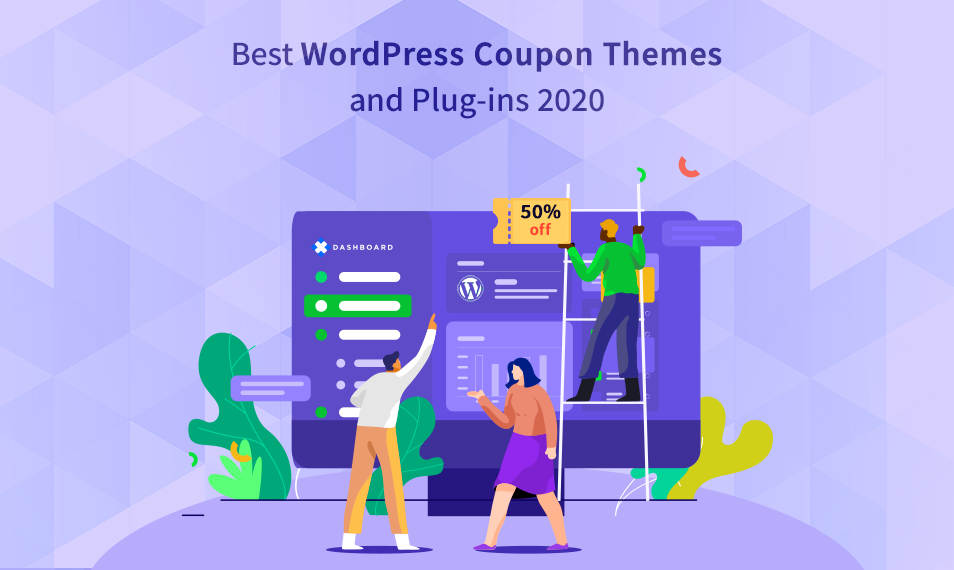
Are you trying to gain profit by helping others save money on their deals and purchase? Here we have some awesome WordPress Coupon Themes and Plug-ins for your website, helping of these Themes and plug-ins you can offer the best deals, coupons, and offers.

We will provide the most promising coupon Themes and plug-ins list to create your own coupon website like Coupondunia.

Nowadays, people prefer online payment for recharge, bill payment, etc. Before they click on the checkout option they find out Offer, discount and coupon and promo code. So, you can say that coupon business is very Hugh. Small startup coupondunia estimate revenue is $12M.

Summarize with AI
Share this:
Share

Angular Dashboard Template is a collection of the admin panel template page of the best angular admin dashboard template. If clients required quick and seamless adoption of HTML JS Library angular js compatibility is best.

The main goal is to use an angular template is a developer can focus on writing code rather than writing intricate code.

We recommended some of the awesome angular admin templates that you can use to create an awesome admin panel for your website.

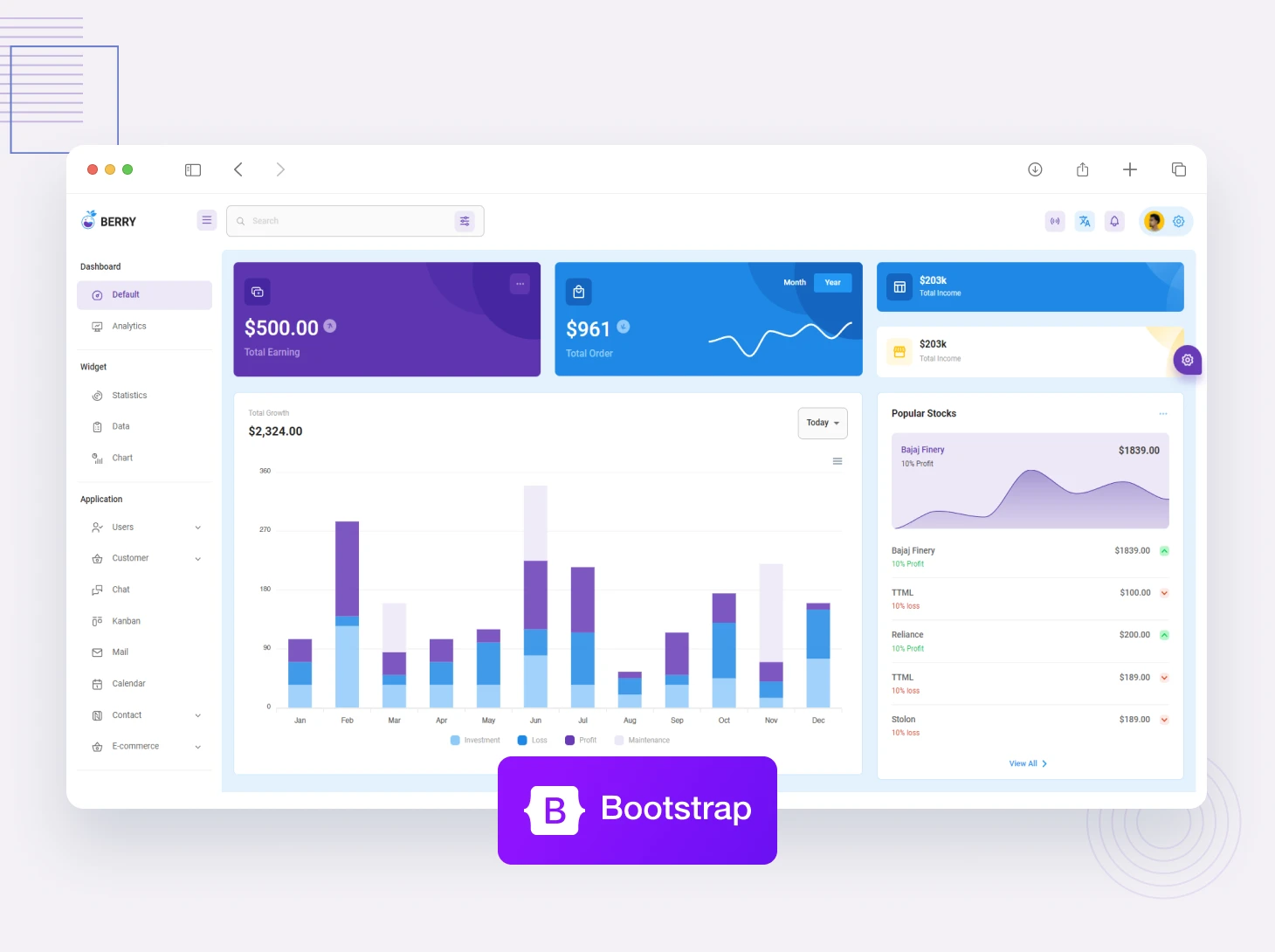
Berry

screencapture berrydashboard io angular default analytics 2024 02 09 15 05 01 Angular Admin Dashboard

When it comes to dashboards and web applications. One of the first things you notice is the design. It must be of sufficient quality; otherwise, you risk losing potential users due to poor design.

Berry is the most popular Angular template based on NodeJs. It is the best choice for long-term projects requiring the highest security and maintainability.

It delivers everything necessary to kick-start your next project. Berry uses pre-configured apps, form validation, event calendar, different charts, and numerous pages to guarantee that everyone gets the most out of it with minimal effort.

Gradient Able

screencapture codedthemes demos admin templates gradient able angular default dashboard analytics 2024 02 09 17 23 48 Angular Admin Dashboard

Boost your workflow with Gradient Able, the great combination of simplicity and creativity. It is a tool full of goodies that will work for your project like a dream.

The features is extensive, it just not include what is necessary but many more. A few features that include with gradient able are pleasing page layouts, color schemes, charts, google maps, a smart menu, a dark mode, ratings, and validation forms.

Datta Able

screencapture codedthemes demos admin templates datta able angular default dashboard default 2024 02 09 17 13 24 Angular Admin Dashboard

Datta able is an all-around admin templates that comes in different styles. With the Datta you can easily go to extremes with customizing adjustments. 

The angular dashboard is powerful enough to fit any idea you have, no matter how challenging. It ensures an always pleasing experience with colors, typography, and overall amazing design. 

Mantis

screencapture mantisdashboard io angular default dashboard default 2024 02 09 15 06 41 Angular Admin Dashboard

If you are looking to build a powerful and practical admin for your web application, Mantis is the best option for you.

The angular template is light weight, fully responsive, includes ready to use pre-built pages, components, unique dashboard, layout, etc.,

It is based on a modern responsive design, which allows it to be easily customised. It works smoothly on all modern devices and web browsers, offering a consistently high-quality experience.

Next

next angular 8 template

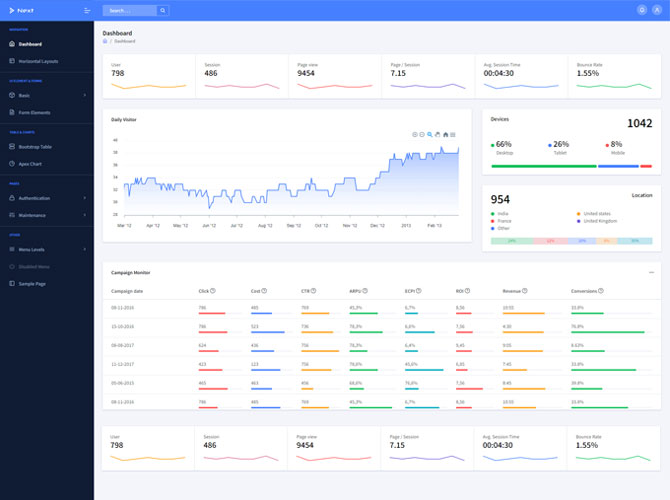
 Next is one of the most stylish angular admin dashboard template. It comes with a high feature and collection of rich pages and components with a fully developer-centric code.

The next admin template has all in one dashboard represent the data visually. It’s come with a variety of UI elements and form elements. More ever it also comes with a different page layout.

The most essential feature is the Apex chart. It represents the data in a different type of chart which shows in radiant color.

A Next angular admin template rendering fast in all major browsers, and its admin panel is fully responsive in all devices.

Able Pro

adminpro template

Admin pro is used for the create admin dashboard and control admin panel. Admin pro is fully responsive and based on the angular framework.

Different types of design such as modern, classic, and analytical. It includes various types of page layouts such as dark, horizontal, RTL Layout, a real-time app like chatting and ticket generation, Google map integration 

Metronic

metronic admin template

Metronic is a simple and classic admin dashboard template build in angular 8. Metronic is a feature-rich template it has a general as well as network components.

Metronic provides custom search, user notification, events, logs, and a multi-language option.

It is mainly used for E-commerce website design if you use a Metronic admin dashboard template to create an e-commerce website you don’t have to waste time to customize it or change anything,  most important thing in an e-commerce website is User Interface (UI) Metronic comes with a bright and radiant color so the user gets a rich experience.

Fuse

fuse template

Fuse is a great kick start for your new project. Fuse angular uses the pre-built ready-to-use page layout making it extremely easy to switch out individual page design and create a new app. It maintains a page consistent across your app.

A Fuse comes with a real-time app like chatting. Fuse has a variety of different pages that are built to speed development.

The unique feature of Fuse is “Knowledgebase”, Fuse has a well-commented and structure source code for a beginner or seasoned angular developer, also fuse has a flexible layout per route. It’s easy to create simple and complex layout together like a login page and scrum board app.

Summarize with AI
Share this:
Share

Who prefer pizza without cheese and sauces like that without WordPress plug-in who prefer the WordPress website.

A WordPress plug-in is one of the great tools to extend website functionality to WordPress. These plug-ins are added awesome functionality to your website.

The website niche determines which types of plug-in needs on your website. WordPress offers various types of plug-ins for your business.

Here, we discuss some of the WordPress plug-ins for a website that are the most essential plug-ins for creating a WordPress website.

Summarize with AI

Share this:
Share

Are you intending to get the best and quite perfect Admin Templates without any holes in your pocket? If yes, then you must surely be a part of the amazing Black Friday Sale! These templates have the ability to attract plenty of users. However, selecting the finest option would be a hard task. There are various products available on Black Friday Sale as well as Cyber Monday Sale which you can buy with no hassle.

A case would be prevalent when you’ll get a satisfactory Bootstrap Admin template but refuse to buy if the cost isn’t favorable. But, in order to seek a complete solution for such a query, you can engage yourself in Black Friday Sale and Cyber Monday Sale. Such an amazing Cyber Week Sale will kick off right from 24th November and end by 7th December

Black Friday & Cyber Monday Special 50% Off on our All Products. Please use coupon code BFCM5019 at checkout to avail discount.
 
Summarize with AI

Share this:
Share

Today I am here with some super hot news regarding Best Admin Dashboard Templates sales. If you are looking for any

For your next project? Then this dashboard template deal will prove the best for all time for your project.

Summarize with AI

Share this:
Share

Planning to launch your first blog but finding a way to start? You can start by sharing your expertise, tips to make money online, promoting a cause or just have fun. Your first step is to sign up with a web host. After creating a web hosting account, you can create a WordPress blog and publish your first post. This review is about why WordPress is the preferred choice for beginner bloggers and the Affordable WordPress Hosting website for start.

Summarize with AI

Share this:
Share

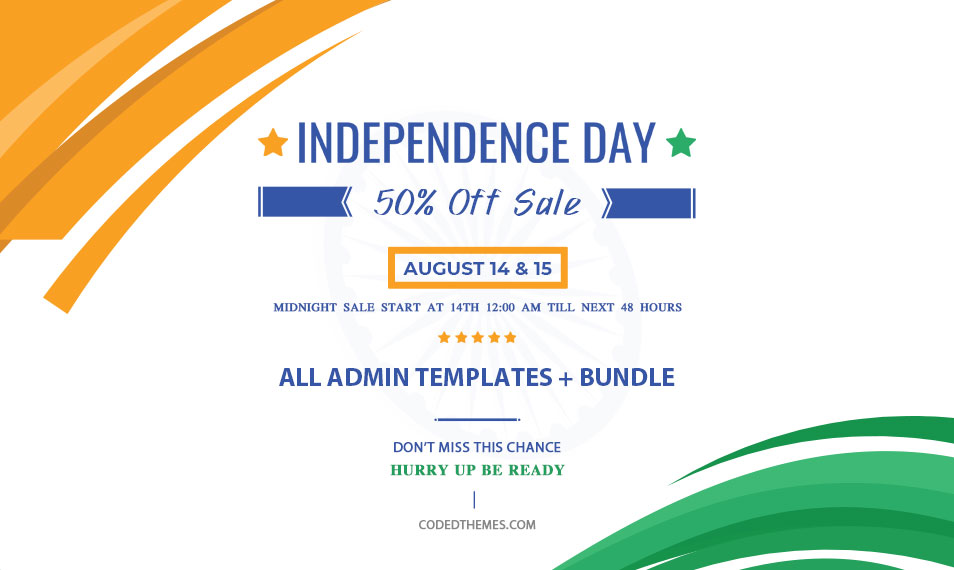
deal of the year – Hello, are you looking for the best admin template with the lowest price than others? I am here with a piece of very good news related to the Admin Template. Project Developers, IT Agencies, and all others who are looking for a new admin Dashboard template for their next project, not an issue anymore. CodedThemes have brought a huge off on all their templates.

Summarize with AI

Share this:
Share

In today’s digital age, having a website that adjusts fluidly to different devices is more than a trend, it’s a requirement. With the rise of smartphones, tablets, and various screen sizes, ensuring that your website appears and performs properly across all devices is critical for engaging users and attaining online success. This overview will help you through the steps of building a responsive website, from planning and design to coding and testing.

What is Responsive Web Design?

Responsive web design is a method of building and maintaining websites that provide excellent viewing and interaction experiences on a variety of devices and screen sizes. By utilizing media queries, fluid grids, and flexible layouts, responsive design allows the information and layout of a website to adapt to the user’s device in real-time, eliminating the need to create separate versions of the site for different devices.

STEP 1: Start with Wireframes

Wireframing is an important step in the website design process because it helps you sketch out the structure and layout of your site without being distracted by visual design components. Begin by designing wireframes for various screen sizes, concentrating on the most important aspects and functionality of your website.

STEP 2: Decide Breakpoints

The CSS code for your website’s layout changes at specific areas called breakpoints so that it can adapt to different screen sizes. Define breakpoints for popular device sizes and orientations, such as smartphones (portrait and landscape), tablets, and desktops.

CSS Code:

/* Example of defining breakpoints */

@media only screen and (max-width: 600px) {

    /* Styles for small screens */

}

@media only screen and (min-width: 601px) and (max-width: 1024px) {

    /* Styles for medium screens */

}

@media only screen and (min-width: 1025px) {

    /* Styles for large screens */

}

STEP 3: Design for small displays first

A mobile-first approach to design ensures that your website is optimized for small displays and gradually improved for larger ones. Begin by developing and prototyping for mobile devices, emphasizing simplicity, clarity, and usability.

STEP 4: Create a Fluid Grid

A fluid grid system dynamically adapts your website’s layout to multiple screen sizes by using percentages instead of fixed pixel values for widths and margins. Develop a flexible grid system with CSS frameworks such as Bootstrap or develop bespoke grid layouts with CSS Grid or Flexbox.

CSS Code:

/* Example of creating a fluid grid */

.container {

    width: 100%;

    max-width: 1200px;

    margin: 0 auto;

    padding: 0 20px;

    box-sizing: border-box;

}

.column {

    width: 100%;

    padding: 0 20px;

    box-sizing: border-box;

}

@media only screen and (min-width: 768px) {

    .column {

        width: 50%;

    }

}

Create beautiful admin panel with
ready to use Admin Templates

STEP 5: Optimize Images for Responsive Design

Images are an essential component of online design, but they can have a big impact on your website’s performance, particularly on mobile devices. Optimize photos for responsive design by using appropriate file formats, scaling images based on screen size, and adopting strategies such as lazy loading to improve website load time.

HTML Code:

<!– Example of optimizing images –>

<img src=”image.jpg” alt=”Responsive Image” class=”responsive-image”>

CSS Code:

/* Example of CSS for responsive images */

.responsive-image {

    max-width: 100%;

    height: auto;

}

STEP 6: Optimize Typography for Responsive Design

Typography is extremely important for readability and user experience, particularly on small screens. To optimize typography for responsive design, use relative units such as ems or rems for font sizes, ensure proper line spacing, and select web-safe fonts that render well across multiple devices and browsers.

CSS Code:

/* Example of CSS for responsive typography */

body {

    font-family: ‘Roboto’, sans-serif;

    font-size: 16px;

    line-height: 1.6;

    color: #333;

}

h1, h2, h3 {

    font-weight: bold;

}

p {

    margin-bottom: 1em;

}

Wrapping It Up

You can build a responsive website by following these steps: starting with wireframes, establishing breakpoints, designing for tiny displays first, creating a fluid grid, optimizing pictures, and optimizing fonts. Remember to thoroughly test your website and iterate on your design in response to user feedback to ensure optimal performance and usability.

CheckoutElevate Your Design: 15 Essential UX Tools for Modern Creators

Summarize with AI
Share this:
Share
Popular Products
Categories
Popular Posts
The Ultimate Managed Hosting Platformimp Angular Admin Dashboard
Share this:
Share